Use the MSI.
It has a confirmed local language-model test. The test was text, not scan processing. Keep it as the prototype machine while the workflow is being built.
Start with the MSI you have. Add capacity when real work calls for it.
A short local language-model test is confirmed. Scan-processing speed is not. This guide separates what we measured from what is still a planning estimate.
Prototype · No public scan upload or processing offer
No scan data has been supplied, so the next machine should not be chosen from a made-up return number.
It has a confirmed local language-model test. The test was text, not scan processing. Keep it as the prototype machine while the workflow is being built.
Quote one FieldCart system first. The current worksheet lists a pair, not a one-unit price. Add a second only for another independent job.
Compare the 512 GB rack first when jobs or the queue outgrow one workstation. Hold 1 TB / 96 GB until measurements show why it is needed.
Current records do not include valid prices, scan-processing times, or job volume. This page shows capacity choices; it does not claim savings, payback, or measured scan speed.
These are measured computer specs and simple memory estimates. No scan job or candidate upgrade was tested.
File inspection mainly reads files and checks their contents. Point-cloud processing depends on the chosen method; some methods can use a GPU. High-resolution display work can also use more graphics memory. A 3D file alone does not tell us which computer is needed.
Planning example: a 30B local language model with a very long 256K context leaves about 0.5 GiB of raw graphics memory on a 32 GB card, before Windows and runtime use. That is a capacity estimate, not a tested speed result or a GO3D requirement.
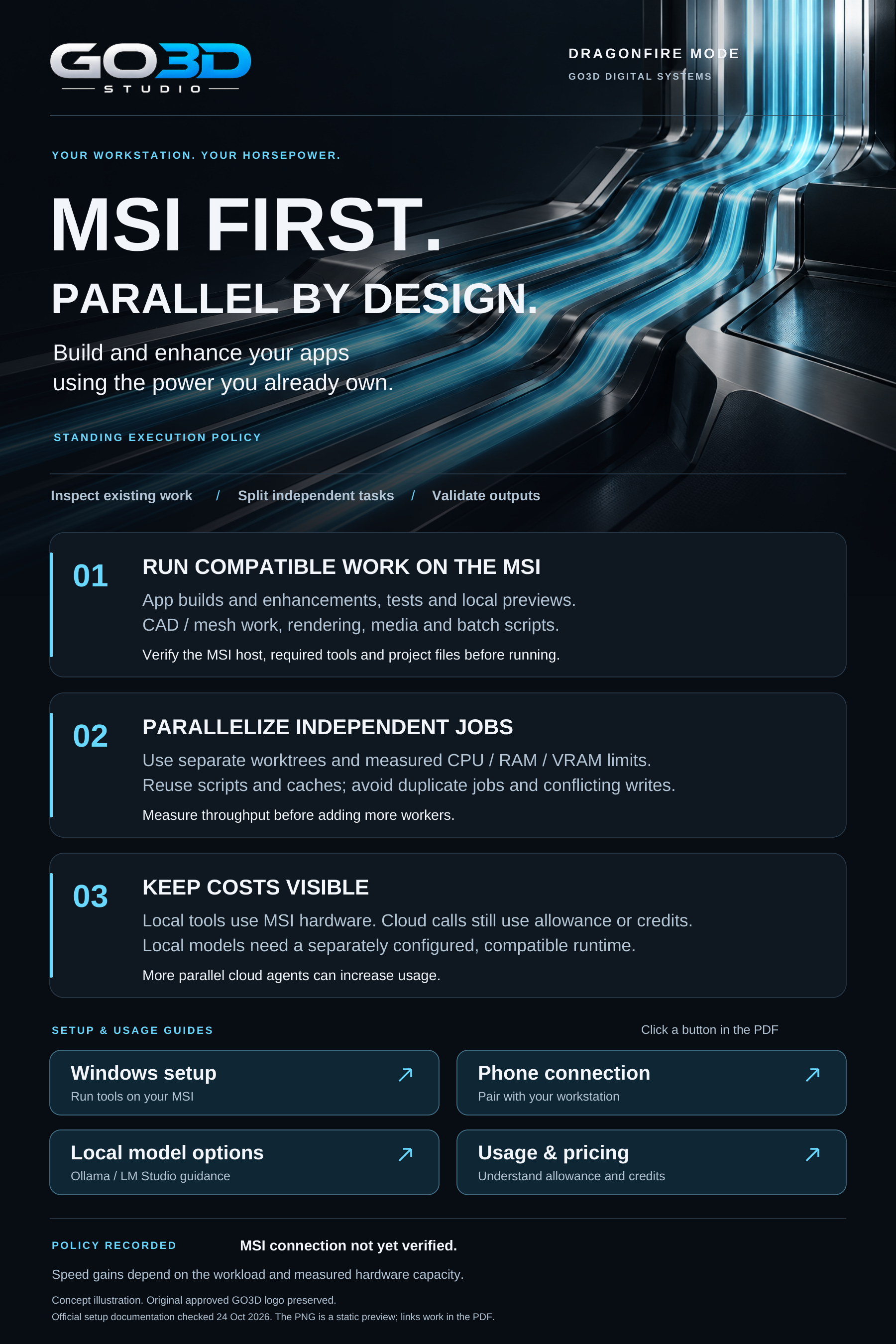
Build and enhance apps using the power you already own. Match each task to the right tools, resources and review.
Run app builds, tests, local previews, CAD and mesh preparation, rendering, media processing and repeatable scripts on the MSI when the required software and resources are available.
Run independent tasks in separate worktrees or job directories. Size concurrency to measured CPU, memory and VRAM capacity. Reuse scripts and cached results, avoid duplicate jobs and conflicting writes, and validate outputs.
Local tools use workstation hardware. Cloud model calls still consume allowance or credits, and more cloud agents can increase usage. On-device processing requires a separately configured compatible local model.
MSI check · 1 Nov 2026. One short local 7B text prompt ran on CPU and GPU. No scan-processing benchmark has been run.
Silent overview with on-screen text. Concept illustration; original approved GO3D logo preserved.
The equipment list is for planning. Exact parts, one-unit pricing, power, cooling, cart design, and compatibility still need confirmation.
The community rack engine is a future goal; it is not currently accepting processing jobs.
Explore the performance opportunity report, both comparison graphics, and the local processing guide in one place.
There is no measured GO3D scan-processing time or time-saved figure yet. The local text-generation test and hardware-capacity simulation do not predict scan performance.
Select a workload to explore the service and build a short brief for project scoping.
What are you working on?
This brief stays on your device. Nothing has been submitted.
Select the text and use your device’s Copy command.
This planner creates a local brief only. It does not upload files or start a processing job.
Compute is one part of the work. The input, chosen method, and review criteria matter too.
Confirm the files, required output and review criteria. GO3D scopes the software and compute needed for that job.
Plan processing as a new revision. Preserve the original files and record the settings used to produce the result.
Agree how the output will be checked, reviewed and delivered for its intended use.
The goal is a shared GO3D engine that can serve community work. It is not live for processing today. The local prototype and the future shared service are separate stages.
Dragonfire / Dracarys is a GO3D prototype.
Review the upgrade path and public resources. This page does not accept scan uploads or start processing jobs. A small STL/OBJ inspection worker is available separately; it reports basic file details and has not been validated as a full scan-processing workflow.
Turning on the laptop or opening the same chat does not assign cloud computation to it. Its hardware can help when a supported processing job actually runs on that computer through an explicit connection. GO3D would need to configure and verify that connection first.
The right output depends on the source and design intent. GO3D reviews the required regions, surface detail, target software and file format before agreeing a conversion approach. A mesh, a fitted surface and an editable CAD part serve different purposes.
The service is scoped around preserving source files and delivering separately identified revisions. Repository access, output locations and retention are agreed for each project. This page does not read or upload your project files.
Dragonfire / Dracarys is intended to support future GO3D workflows. Each connection must be built and checked before we say it works.
Use the system you have. Add another only when a real job shows the limit.